Pan de Vida - Multilingual Outreach Site
A calm, three-language front door for people who have questions about faith: Arabic first and right to left, with Spanish and English beside it, a library of videos and a form that reaches the team.
1. Overview
Pan de Vida (Bread of Life) is a community that wants to answer people's questions about God, and this site is where they start. It had to feel welcoming before it said anything, and it had to work in the languages of the people it speaks to.
I designed and built it for the community: one page with a short, warm path from a first look to a conversation. A Bible to read online, an introduction to who Jesus is, a library of videos, a booklet, and a form to write to the team. The default language is Arabic, with Spanish and English alongside.
2. What It Needed to Do
⚠️ What it needed to do
- Welcome a stranger in a tone that is sincere and never pushy
- Read naturally in Arabic, right to left, not as a translation squeezed into a left-to-right layout
- Point to good material that already exists, such as films, a Bible and a booklet, instead of recreating it
- Let someone write privately, with a reply that goes to a real person
- Cost almost nothing to run, with no admin area and no database to look after
✓ The approach
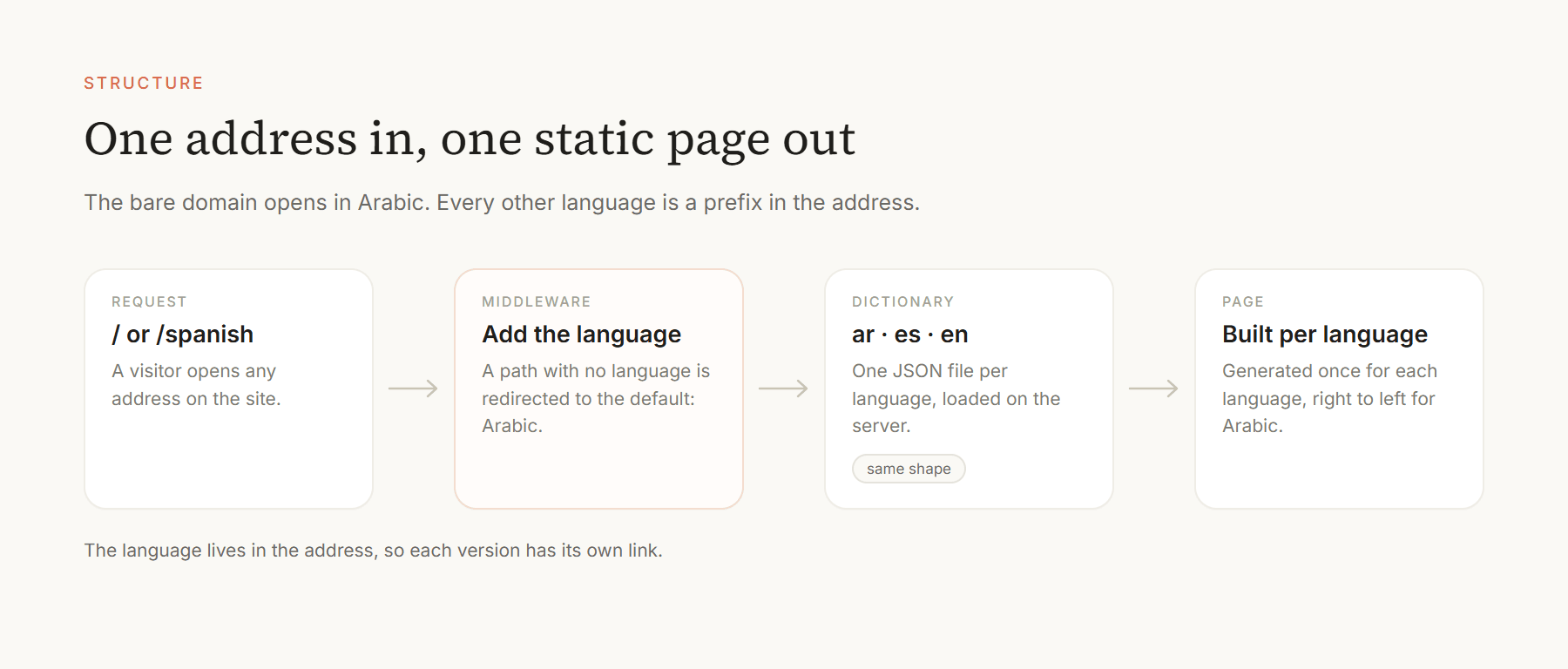
The words live in dictionaries and the pages are generated once per language. The only code that runs on a server is the one action that sends an email.
01
ADDRESSAny link on the site02
LANGUAGEAR · ES · EN03
DICTIONARYOne JSON per language04
PAGEStatic, RTL for Arabic3. Structure
Every page lives under a language segment, /arabic, /spanish or /english. A small middleware sends any address without a language to the default one, so the bare domain opens in Arabic. Texts come from three JSON dictionaries, and the page sets the reading direction from the language. A short context file in the repository records the structure, the section order and the tone of voice, so later changes keep the same character.
4. The Page
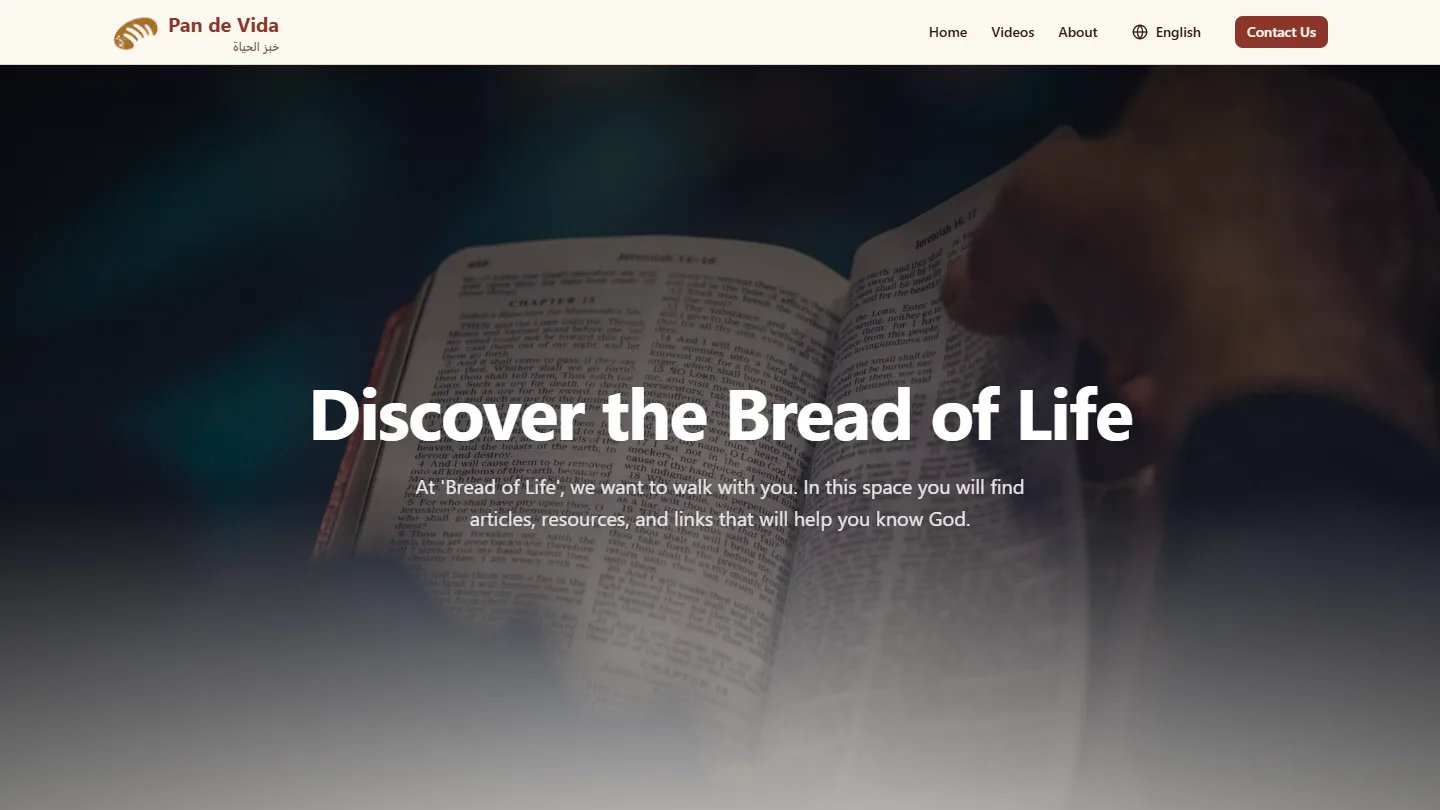
One long page of eight sections, each a component that reads its own part of the dictionary. The look is warm on purpose: cream backgrounds, a wine-red accent, large type and plenty of space.
- Hero: A full-height photograph of an open Bible that fades as you scroll, with a one-sentence invitation.
- Read or listen to the Bible: A card that opens an online Bible in the visitor's language.
- Who is Jesus?: A short, plain introduction on a dark red band that breaks the page.
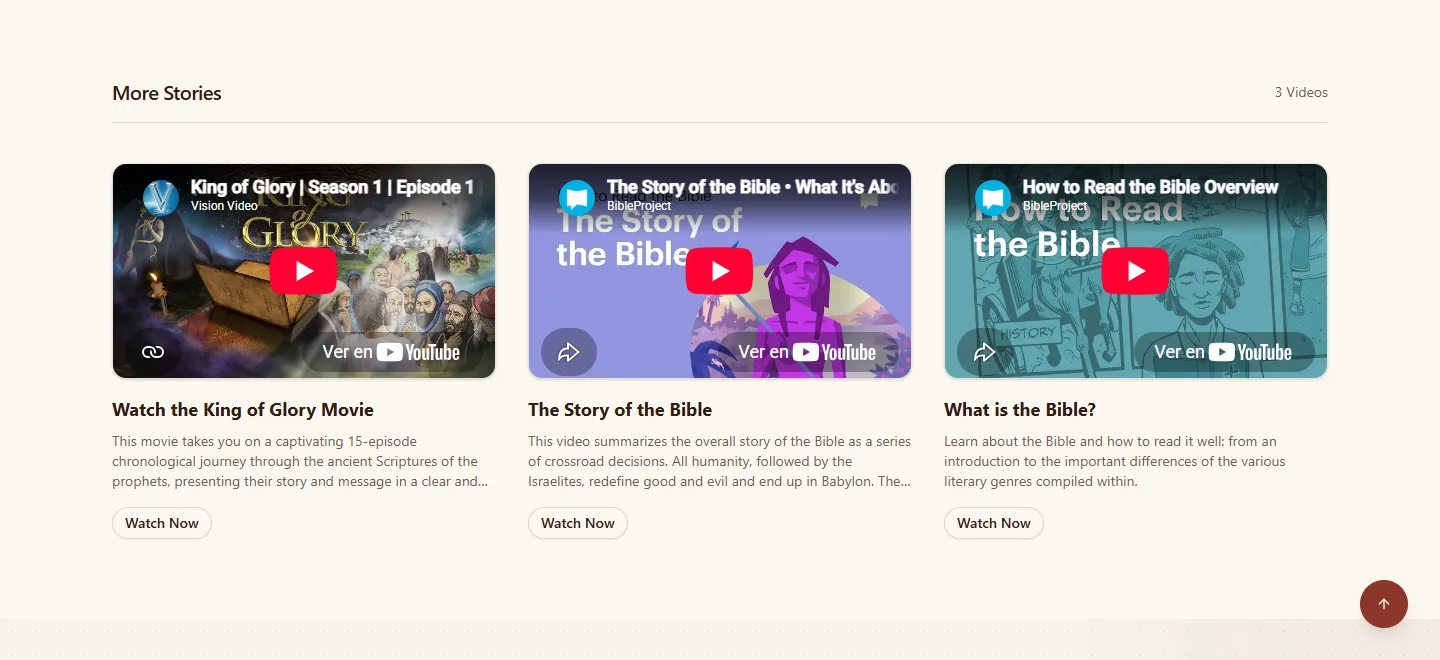
- Videos: A featured film in a dark, cinema-style player over a blurred still, then a row of three more. They are YouTube embeds; nothing is hosted here.
- Your Story: A link to a 36-page booklet that summarises the Bible, in the visitor's language, from its publisher.
- The Good News: Three questions as cards, then a numbered five-part message.
- Who We Are and Contact: The community in its own words, and the contact form.
5. Three Languages, Right to Left
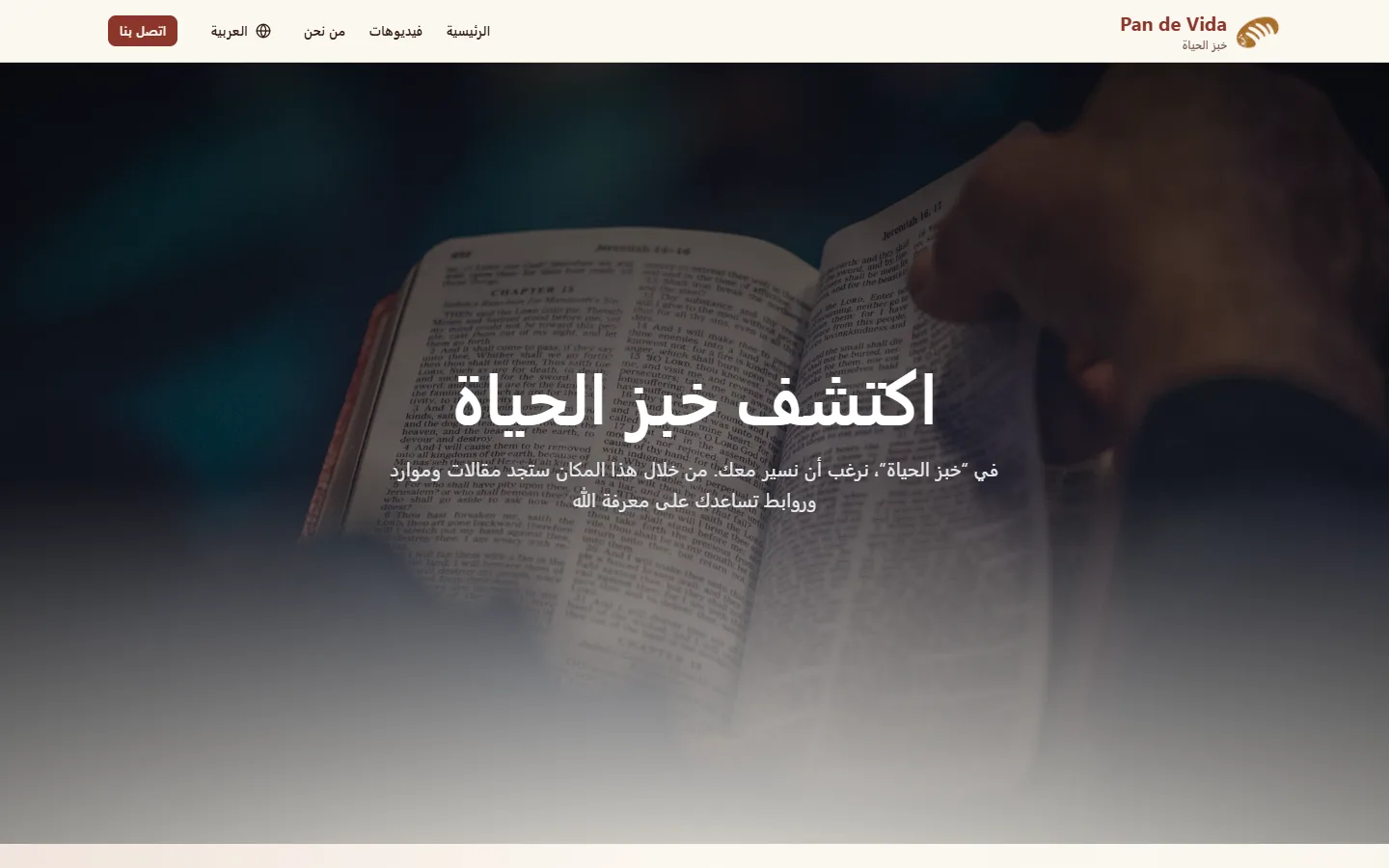
Arabic is the default and the first thing most visitors see. The page switches to a right-to-left layout for it, the brand carries both names (Pan de Vida and خبز الحياة), and the language picker is a dropdown on desktop and three buttons in the phone menu.
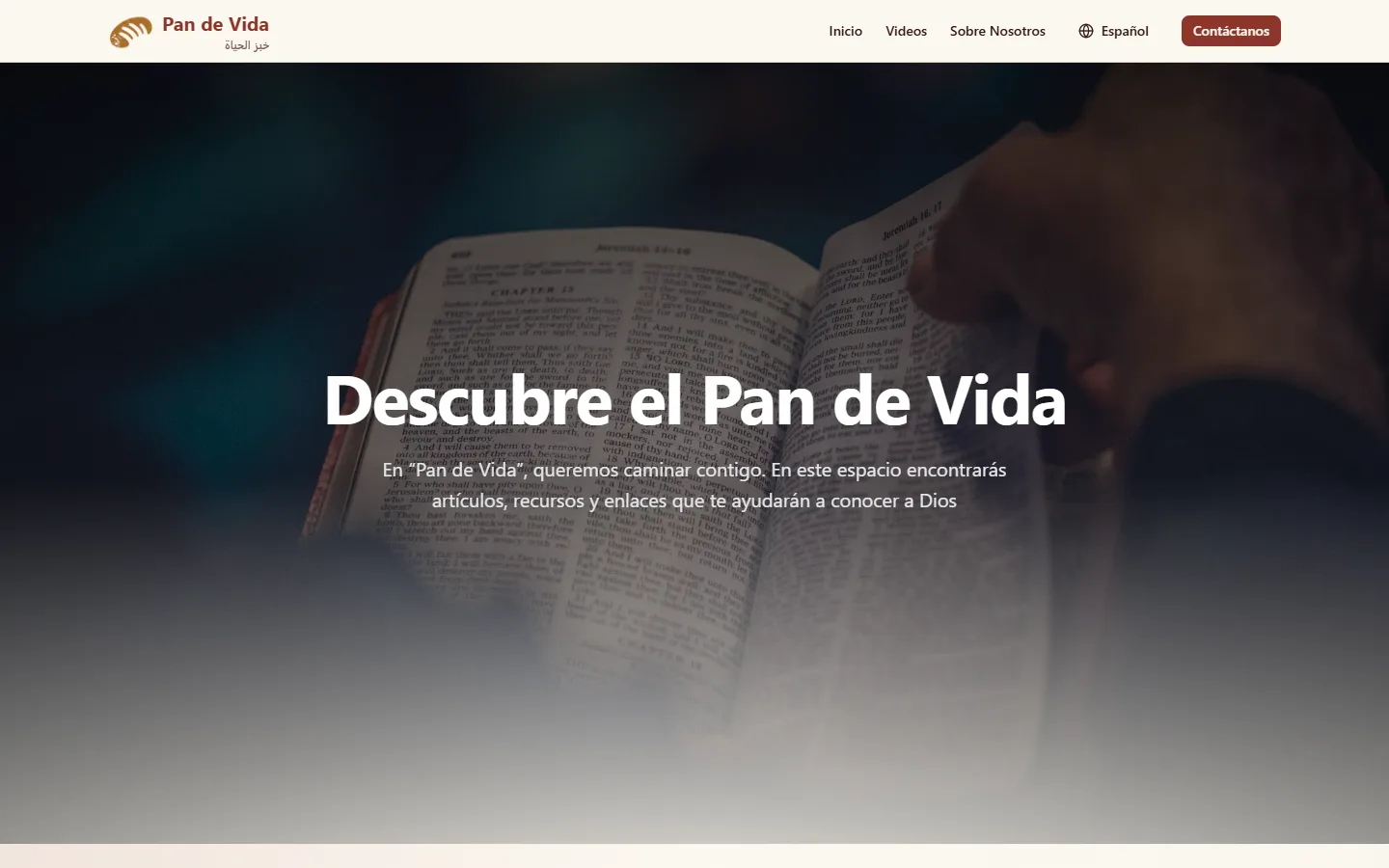
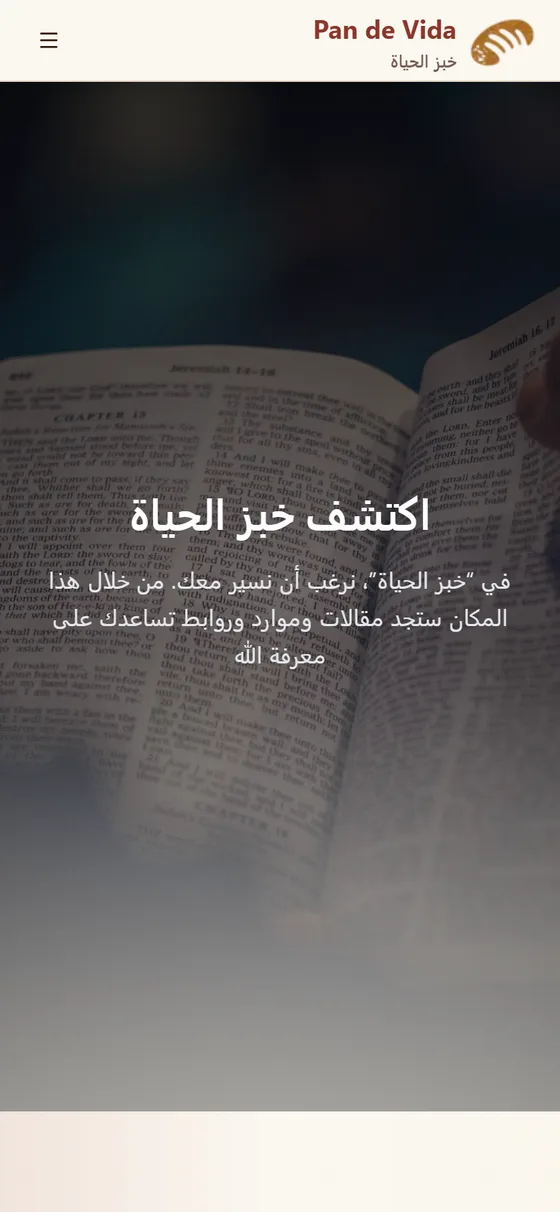
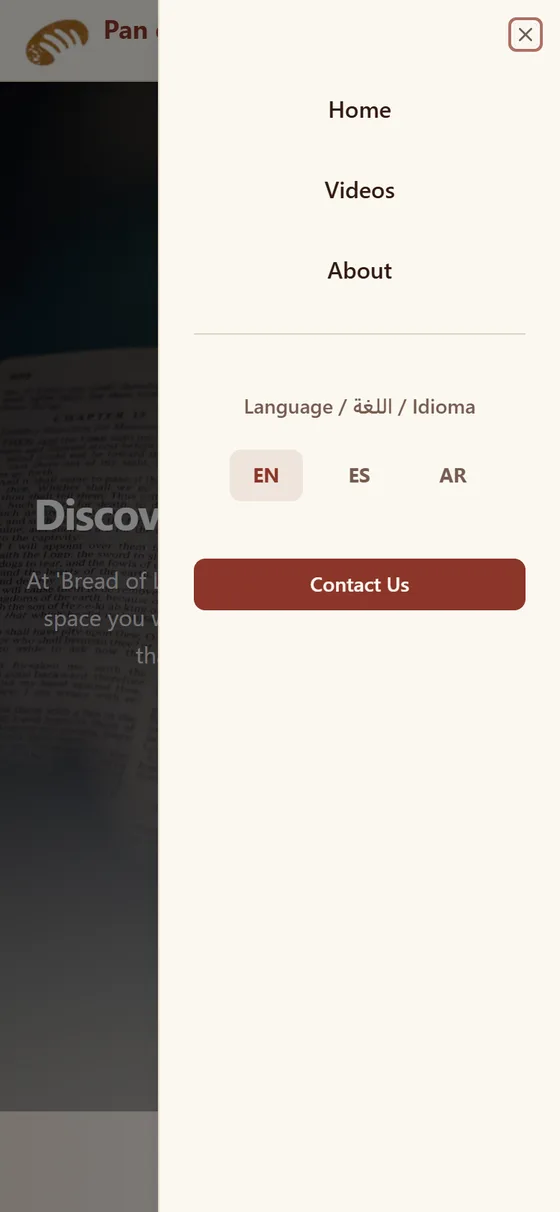
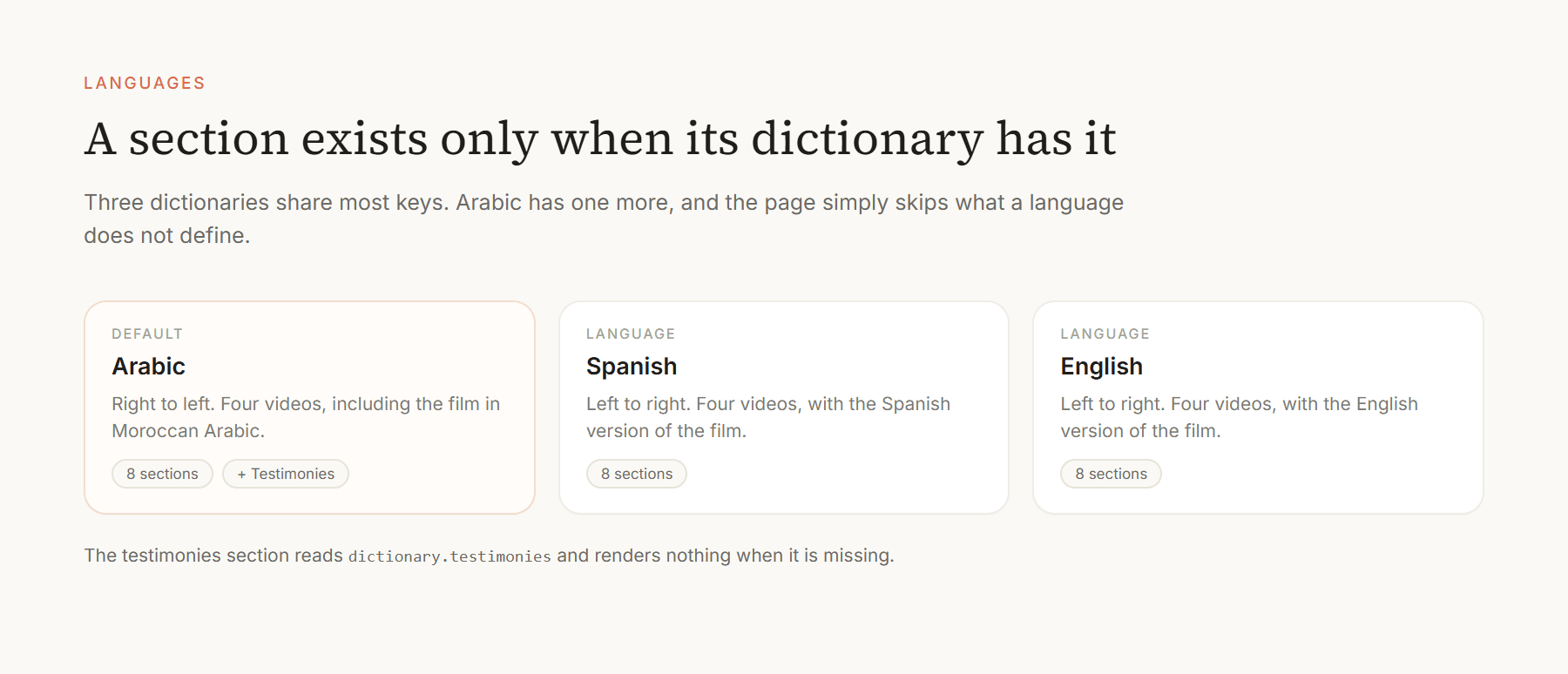
- Content that differs by language: The Arabic video list is its own: four programs, including the film in Moroccan Arabic. Spanish and English have their own four videos each.
- A section only one language has: Arabic adds a testimonies section that links to a library of testimonies from Morocco. The page skips it for the other languages because their dictionaries do not define it.
- Same shape, three files: The three dictionaries share their keys, so a text is always edited in all of them together.
6. Contact
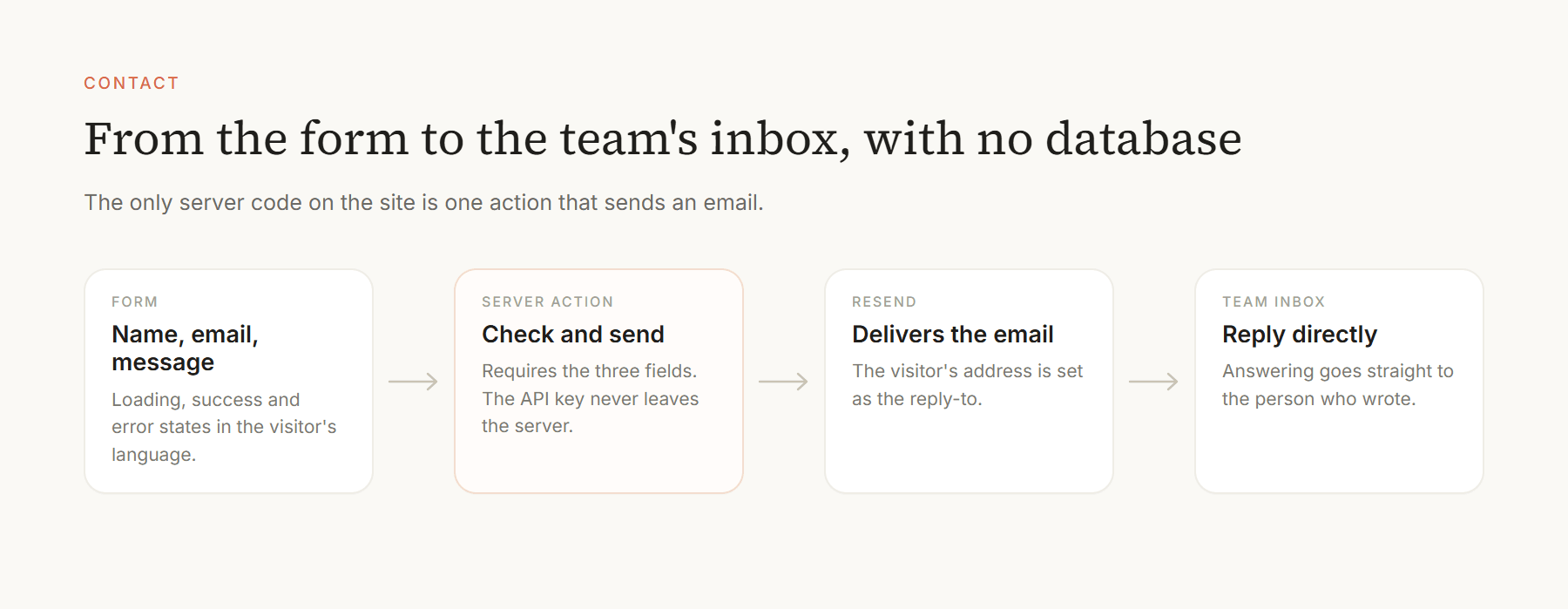
The form asks for a name, an email and a message. A server action checks that all three are present and sends the email through Resend, with the visitor's address as the reply-to, so the team answers the person directly. The destination and the API key stay on the server. The form shows loading, success and error states in the visitor's language.
7. Key Decisions
Arabic as the default language
The site opens in Arabic, which fits the Arabic material it links to, such as the film in Moroccan Arabic and the testimonies from Morocco. The cost is that the bare domain does not look at the browser's language: a Spanish or English reader lands in Arabic and has to pick their own.
Dictionaries, not text in components
The rule is that texts live in the dictionaries, not in components. That keeps three languages honest and makes right-to-left a layout concern instead of a translation one. The cost is manual: every change is made in three files.
Link out instead of hosting
Films come from YouTube, the Bible from an online Bible and the booklet from its publisher. The site stays small and has nothing to moderate, and it depends on those services staying available.
Write the tone down
The context file names the voice: welcoming, compassionate, direct and honest, never pushy. It is there for whoever edits the site next, human or Claude, so new text sounds like the old.
8. Outcome and Role
3
languages, Arabic by default8
sections per page, 9 in Arabic4
videos per language0
databases or admin screens- My part: The design, the three dictionaries and the right-to-left layout, the section components, the motion, the contact action and the deployment, alone.
Key Takeaways
- Right to left is a design decision: Making Arabic the default, not an afterthought, shaped the whole page.
- Point to what already exists: Linking to films, a Bible and a booklet kept the site small and the message the community's own.
- Put the voice in writing: A tone guide in the repository protects the character of the site as more hands touch it.
Next steps: Choose the first language from the browser setting instead of always opening in Arabic.