
From WordPress to a custom stack: knowing when to leave, and what to keep
Three WordPress projects and one rebuild. When a theme stops being the right tool, when it is still the best one, and what carries over.
Author
Josh D. Rubio
Published
Reading time
6 min read
I have shipped WordPress sites that I would not move, and one that I rebuilt from scratch. Both statements are true at once, and the difference between them is what this post is about. The question is not whether WordPress is good. The question is what the site needs to be in two years, and whether a theme can still be that.
The projects behind this are Lifepoint Church, PharmacyTime and HeyTides. Two pharmacy stores that stayed on WordPress, and one church site that did not.
The cases where WordPress is the answer
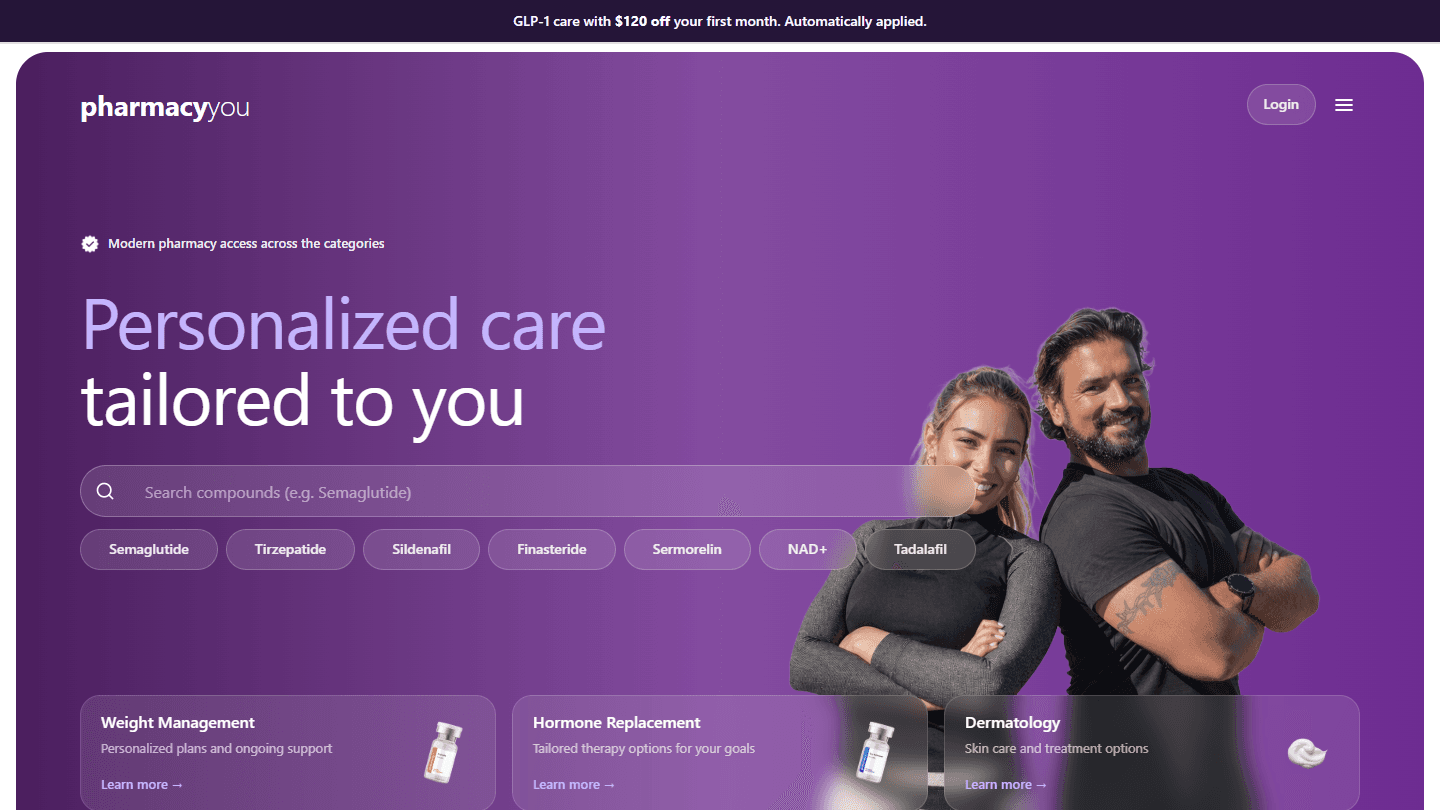
PharmacyTime and HeyTides were client projects for the agency Proventheory. I designed both and built the custom themes, the WooCommerce stores and the tooling around them. In both cases I wrote a bespoke theme rather than adapting an off-the-shelf template, because the brand and the shopping flow had to be fully under my control.
What those sites needed was a catalog, a filterable shop, product pages, a cart and a checkout. That is precisely what WooCommerce is. Rebuilding it on a custom stack would have meant reimplementing carts, taxes, order management and the long tail of payment plumbing, to end up with the same screens. The leverage was in the ecosystem, and it was real.
So the effort went where WordPress was weakest for this kind of client: the data. The product catalog lived in Airtable. Python scripts import the products into WooCommerce, driven by a catalog rules file, with a dry-run mode that previews what would change before anything is written. Deployment is scripted, with staging and production on WP Engine and a main-to-production branch strategy. Nobody had to maintain products one by one in the admin screen, and changes could be previewed with a dry run and reviewed on staging before they reached production.
The lesson I took from those two: when the product is "a store", keep the store engine, own the theme, and move the repetitive work out of the admin screen into a pipeline.
The case where it stopped fitting
The first version of the Lifepoint site, in 2024, was WordPress too. I installed and customized the Faith Connect theme with custom PHP and Tailwind adjustments, structured the content, and improved loading times and contrast. For infrastructure, I set up a local Docker environment and moved the site to a production-ready EC2 instance. It did its job: a clear, welcoming site that a non-technical team could maintain. The full story is in the Lifepoint case study.
In 2026 the site was rebuilt as a custom platform. I will be careful here: these are the reasons I can point at in what the new site is, not a universal rule.
- It has four languages, one of which is right to left. Spanish, German, English and Arabic, with locale-aware dates and fonts and a layout written in logical directions. In a theme, that is a stack of plugins and overrides on top of a template that assumed one language. In a codebase where the locale is part of the data model from the start, it is a property of every page.
- The content has a shape. Pages are made of named sections with a defined schema. A schema can change on purpose: when we dropped a block from the giving page, going from three blocks to two, it was a schema change plus a database migration that cleared that block's text and image in all four languages. In a page builder, "remove this block everywhere in every language" is a manual job.
- The editors needed a tool, not a dashboard. The platform has its own console, separate from the public site, where staff edit sections and translations.
- The page should not hinge on the CMS. The
<main>element goes out in the first byte even when the CMS is slow or down, and the header and footer, which do need the backend, load behind their own Suspense boundaries.
None of those four is impossible in WordPress. Each one is a reason the amount of fighting with the platform would have grown over time while the amount of custom code written in its idioms grew with it.
What the new stack is
For the record, the platform is a pnpm and Turborepo monorepo with three apps and a shared package. A NestJS API with Prisma over PostgreSQL holds the content. A Next.js public site renders it. A second Next.js app is the console. A typed client package is generated from the API's Swagger definition, so both front ends talk to the backend through types and not through guesses.
The cost was real. We lost the plugin ecosystem, the editors' familiarity, and the "it works on day one" feeling. We gained a schema, migrations and the ability to change one thing in four languages in one place.
What you keep
Leaving a theme does not mean starting from zero. These carried over from the WordPress years:
- The information architecture. The sections that were designed for newcomers (about, ministries, events, contact) were not a WordPress idea. They were a content idea, and they transfer.
- The identity. Brand, imagery, tone. A rebuild is a good moment to make it more rigorous, but it is not a reason to change who the site is.
- The infrastructure habits. A local environment that mirrors production and a repeatable deploy matter more, not less, when you own the stack.
- The pipeline thinking from the pharmacy sites. Treat the source of truth as data you control, and give the destination a way to preview changes before it accepts them.
A rough decision test
If I had to turn this into questions to ask before committing to a rebuild:
- Is the product mostly a store, a blog or a brochure? If a mature plugin does the hard part, stay.
- Does the content have structure that the editor interface should enforce, rather than suggest?
- How many languages, and do they differ in direction, calendar or typography?
- Who edits, and do they need something simpler or more specific than the admin screen?
- Are you now writing more code to bend the platform than to build the product?
A "yes" to the last question, together with a couple of the others, is the signal. A single "yes" is not enough, and enthusiasm for a new stack is not a signal at all.
The short version
WordPress was the right tool for two pharmacy stores and the right first version for a church. For the church's second version, the requirements had changed shape, and a platform built around our own content model fit them better. I would make the same call again on those facts, and I would not make it for a site that is, in the end, a catalog and a checkout.